 Pori
- Face detection and landmark mapping run comfortably on a phone; detailed scoring by large AI vision models usually runs on a server.
- On-device analysis keeps the photo local and works offline, but the app can still upload results, and phone-sized models are smaller.
- Cloud analysis can be private too when the photo is encrypted in transit and deleted after the result.
- A quick airplane-mode test plus the privacy policy tells you which kind of app you're using.
On-device skin analysis means your phone finds your face, maps it and scores it without the photo leaving the device. Cloud analysis uploads the photo to a server that runs a larger model. Pori, for example, uses the cloud and deletes the photo once the result is back. Face detection and landmark mapping run easily on a phone; detailed skin scoring by large AI models usually needs a server.
We make Pori, so we've put it first; here's what each app does well. Below is how a skin scan breaks into steps, which of those steps a phone can handle, what really changes for your privacy and speed, and how to tell where any app sends your selfie.
What is the difference between on-device and cloud skin analysis?
The difference is where the computation happens, and therefore who holds a copy of your photo while it does. With on-device analysis, a model stored inside the app runs on your phone's processor. With cloud analysis, the app sends the image over the internet to a server, which runs the model and sends back the result.
| Factor | On-device | Cloud |
|---|---|---|
| Does the photo leave the phone? | No | Yes, at least briefly |
| Works offline | Yes | No |
| Model size | Limited by the phone's memory, battery and heat | Can be far larger |
| Speed | No upload; real time for simple steps | Depends on the connection and server load; usually seconds |
| Same result on every phone | Can vary with the phone's chip | Same model for everyone |
| Main privacy question | Are results or derived data uploaded? | Is the photo stored, shared or used for training? |
Many apps mix the two. A common pattern is to check the photo and find the face on the phone, then send the image to a server for the detailed read.
Which steps of a skin scan can run on the phone?
The early steps, which find and map the face, run on a phone without trouble; the later steps, which interpret skin, are where size starts to matter. Here is a typical pipeline, as described in our guide to how AI skin analysis works.
| Step | What it does | On a phone? |
|---|---|---|
| 1. Capture and quality check | Checks brightness, blur and framing | Yes, routinely |
| 2. Face detection | Finds the face and draws a box around it | Yes, with built-in tools |
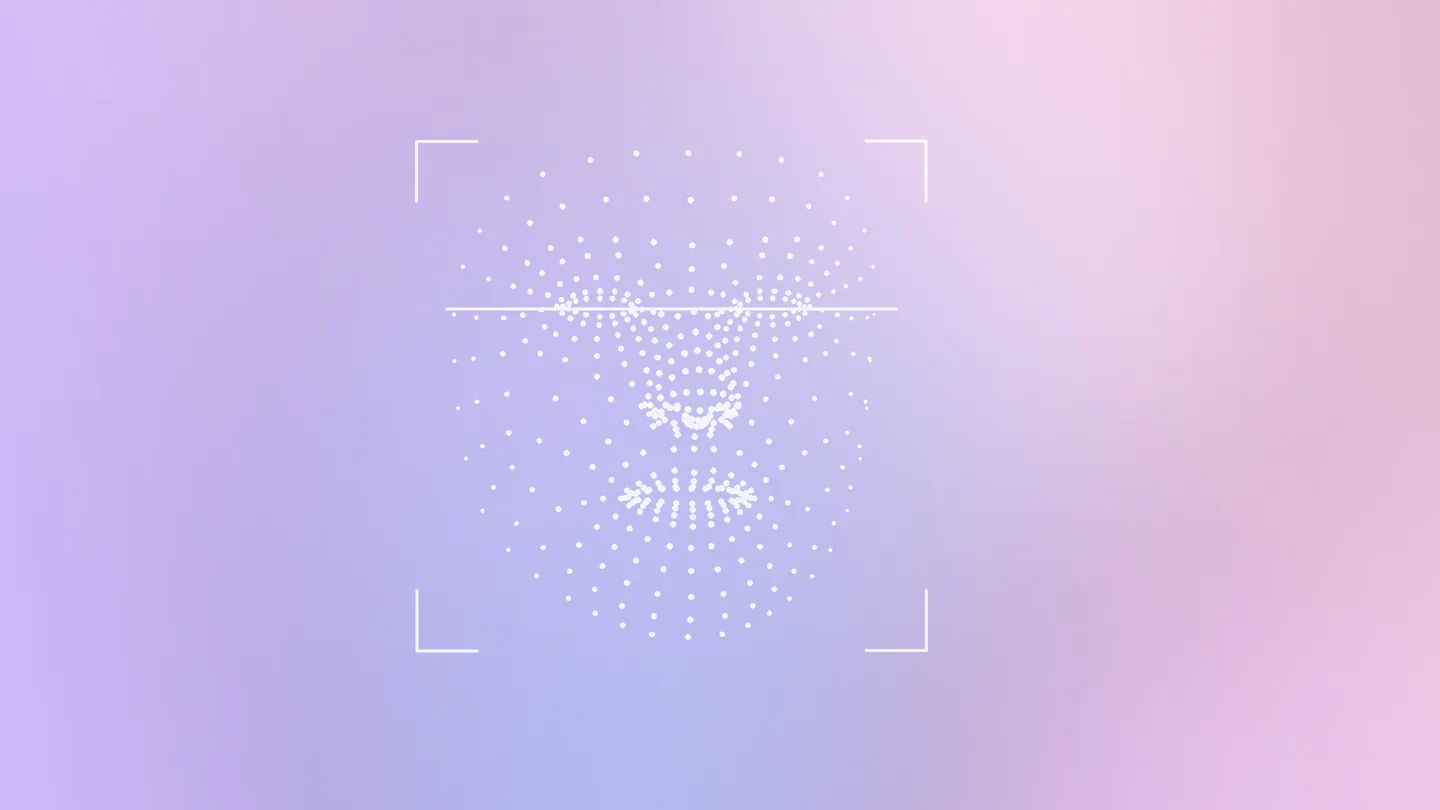
| 3. Landmarks and face mesh | Places hundreds of points on eyes, nose, lips and jaw | Yes, in real time |
| 4. Region cropping | Cuts out forehead, cheeks, nose, chin and under-eyes | Yes, simple geometry |
| 5. Skin scoring | Rates texture, tone, pores, lines and similar features | Possible with a compact model; large models need a server |
| 6. Written explanation | Turns scores into plain-language notes and advice | Small language models can; larger ones run on servers |
Face detection
Phones ship with this. Apple's Vision framework includes a face landmarks request that first locates all faces in an image, then finds features like the eyes and mouth. Google's MediaPipe Face Landmarker starts with a face detector optimized for mobile GPU inference.
Landmarks and the face mesh
Landmark mapping is also light enough for a phone. The Google research behind the widely used face mesh describes a model that estimates a 3D mesh of 468 vertices from a single camera and runs at 100 to 1,000+ frames per second on mobile GPUs, depending on the device and model variant. The current MediaPipe version outputs 478 3D landmarks and scores for 52 facial-expression blendshapes. For what those points are used for, see face mesh landmarks explained, and for how they split your face into scored areas, face zones in skin analysis.
Skin scoring and explanations
This is where the trade-off appears. Apple's Core ML lets apps make predictions with machine learning models, and even train or fine-tune them, all on a person's device, so a compact skin classifier can run locally. But the strongest general-purpose vision and language models are much bigger than what a phone holds. For scale, Apple describes its own on-device language model as about 3 billion parameters, paired with a larger server-based model for requests the phone can't handle.
Is on-device skin analysis more private?
Usually yes for the photo itself, though not automatically for everything else. Apple's security team calls on-device processing the cornerstone for the security and privacy of user data, because data that exists only on user devices isn't subject to any centralized point of attack. If the photo is never uploaded, it can't be breached on a server, reused for training or shared with a partner.
Two caveats matter. First, an on-device app can still upload what it learned. Apple's App Store rules say data processed only on device isn't "collected", but anything derived from it and sent off the device has to be considered separately. Scores, face measurements or crops sent to an analytics service are still data about you. Second, the reverse holds too: cloud processing can be designed to keep almost nothing. Apple's Private Cloud Compute, for instance, keeps user data on its servers only until the response is returned, with the goal that personal data leaves no trace. What protects you in the cloud is a short retention period, encryption in transit and a firm no on training. Our skin analysis app privacy checklist walks through how to check those in a policy.
Is on-device analysis faster?
For simple steps it is, because nothing has to travel. A face mesh that runs at hundreds of frames per second gives instant feedback while you line up a selfie. For the full scan, the answer is less clear-cut. A compact on-device model returns a score with no network delay, but a cloud scan with a larger model may read more detail and still finish in seconds on a decent connection. On-device analysis also keeps working on a plane or with weak signal, which a cloud app can't.
Is cloud skin analysis more accurate?
It can be, mainly because server models can be larger and can be updated without waiting for you to install a new version of the app. Size isn't everything: a small model trained carefully on skin images may beat a large general one at a narrow task. What matters more for your results is consistency. The same lighting, angle and bare skin each time will do more for accuracy than where the model runs; our guide on how to take a skin selfie for analysis covers the setup.
How can I tell whether an app analyzes my photo on the device?
- Try the airplane-mode test. Switch on airplane mode, turn off Wi-Fi and run a scan. If you get a full result, the analysis ran on the phone. If the app shows an error or waits, it needs a server.
- Read the privacy policy. Look for where photos are processed, how long they're kept, and whether any AI provider receives them.
- Check the App Store label, with care. Apple's definition of "collect" covers data kept longer than needed to service the request in real time, so a photo that's uploaded and deleted at once may not be listed.
- Watch what happens after the result. An app that works offline but syncs a cloud history is storing something on a server; the policy should say what.
Where does the analysis run in real tools?
| Tool | Where it runs | What it does well |
|---|---|---|
| Pori (iPhone app) | Cloud for the skin read; history stays on the phone | Detailed per-area scores and a skin-age estimate in about 10 seconds; photo deleted after the result |
| Apple Vision framework (developer tool) | On the device | Fast face detection and facial feature landmarks with no upload |
| Google MediaPipe Face Landmarker (developer tool) | Wherever the developer runs it: Android, iOS, web or Python | 478 3D landmarks plus expression blendshapes, with a face detector optimized for mobile GPUs |
| Apple Private Cloud Compute (Apple Intelligence) | Phone first, then servers for bigger requests | Larger server models with data kept only until the response is returned |
Where does Pori fit, and how does a selfie scan help?
Pori is a cloud-analysis app. According to its privacy policy, your selfie is sent over an encrypted HTTPS connection to an AI model, isn't stored on Pori's servers beyond the time needed to produce a result, and isn't sold or used for advertising or to train third-party models. Your scan history, diary and progress charts stay on your phone. The scan reads a 468-point face mesh region by region and returns an overall score from 0 to 100, scores for Hydration & Moisture, Pores & Texture, Pigmentation & Tone, Anti-aging & Elasticity and Overall health, and a skin-age estimate. The download and first scan are free; Pro is $9.99 a week with a 3-day trial for eligible Apple IDs, or $49.99 a year (US, as of October 2026). It needs a connection to scan, so it won't pass the airplane-mode test.
Whichever approach an app takes, a skin scan describes how your skin looks in a photo. It isn't a medical diagnosis and it can't check moles, so see a dermatologist about any spot that's new, changing or bleeding.
Frequently asked questions
What is on-device skin analysis?
It's skin analysis where the app runs its models on your phone, so the photo never leaves the device. Face detection and landmark mapping work well this way; large AI scoring models usually run on servers.
Can I analyze my skin without uploading photos?
Yes, if the app does its analysis on the device. Test it by turning on airplane mode and running a scan: a full result means the analysis happened on your phone.
Is on-device AI more private than cloud AI?
For the photo itself, usually yes, because there's no server copy to breach or reuse. But an on-device app can still upload scores or face measurements, and a cloud app that deletes photos after the result can keep very little.
Why do skin apps send photos to a server?
Servers can run much larger AI models than a phone and can update them without an app update. Apple, for example, pairs an on-device model of about 3 billion parameters with larger server models for bigger requests.
Does Pori analyze photos on the device?
No. Pori sends the selfie over HTTPS to an AI model and, per its privacy policy, doesn't keep it on its servers after the result. Your scan history stays on your phone.
Sources
- Kartynnik Y et al. Real-time Facial Surface Geometry from Monocular Video on Mobile GPUs. arXiv, 2019
- Google AI Edge: MediaPipe Face Landmarker guide
- Apple Developer Documentation: VNDetectFaceLandmarksRequest
- Apple Developer Documentation: Core ML
- Apple Machine Learning Research: Introducing Apple's On-Device and Server Foundation Models (2024)
- Apple Security Research: Private Cloud Compute, a new frontier for AI privacy in the cloud (2024)
- Apple Developer: App privacy details on the App Store
- Pori: Privacy Policy
Pori is a wellness and skincare education app, not a medical device. This article is for general information and isn't medical advice. For anything that worries you, see a dermatologist.